Give Gemini CLI a studio.
Gemini CLI writes the code. Connect Varosity and it can make the README hero, the teaser video, the voiceover and the soundtrack from the same terminal — 60+ models through one MCP server.
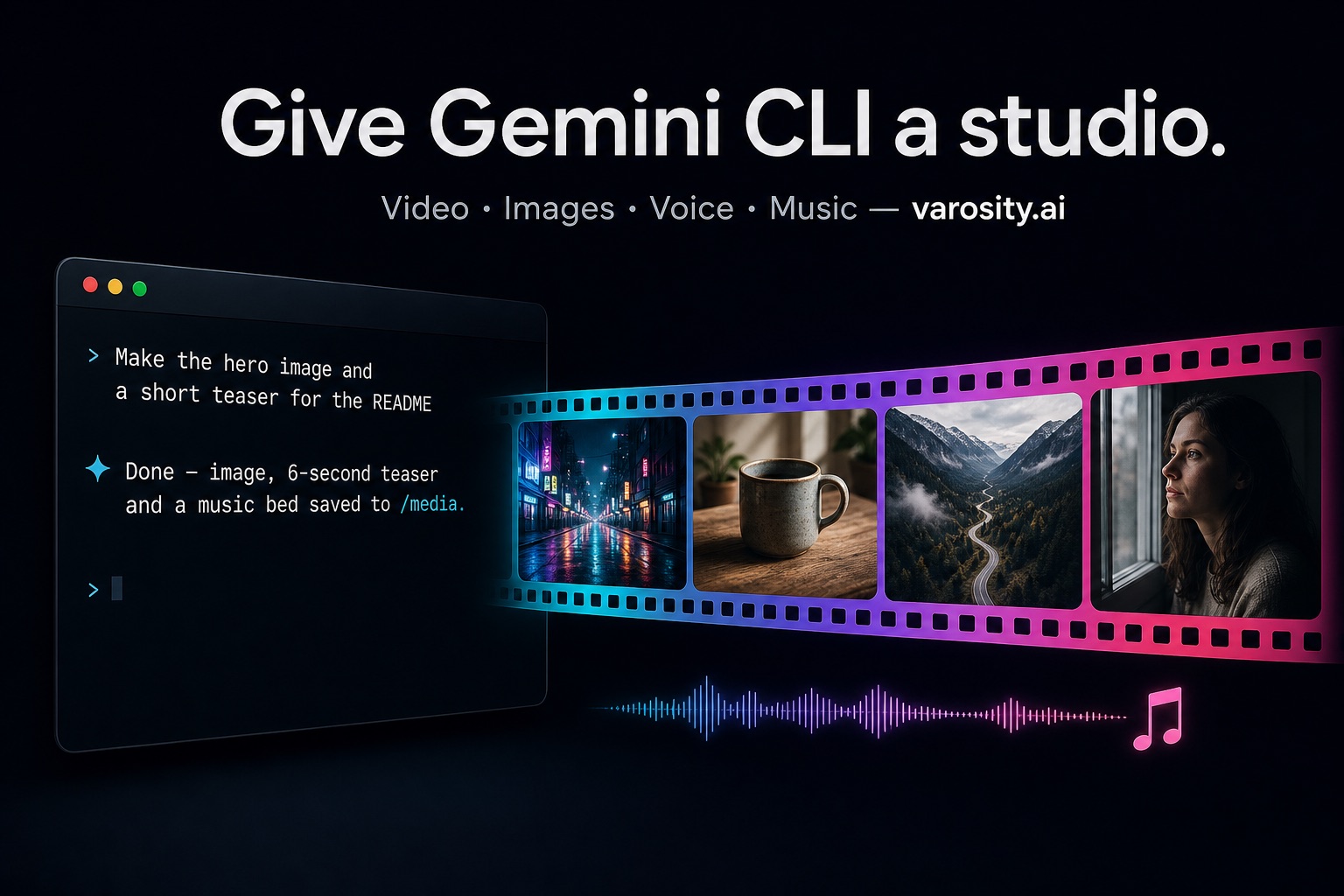
What your agent can make
Video
Veo 3.1, Kling 3.0, Seedance, Grok Imagine, Runway, Luma — text or image to video, drafts from about 22¢.
Images
FLUX, GPT Image 2, Nano Banana Pro, Ideogram — from 1¢ an image.
Voice
ElevenLabs narration, multi-voice scenes, voice design and cloning.
Music
Suno, Lyria and ElevenLabs Music — beds and full tracks by prompt and length.
Connected in two minutes
Let it connect itself
Ask Gemini CLI: “Connect to Varosity.ai.” If it can make web requests, it asks Varosity for access and shows you a link; you approve once and pick a daily limit ($5, $25 or $100). Or get a key yourself in one click.
Or add the server by hand
Add to ~/.gemini/settings.json:
{
  "mcpServers": {
    "varosity": {
      "httpUrl": "https://varosity.ai/api/mcp",
      "headers": {
        "Authorization": "Bearer vsk_…"
      }
    }
  }
}Give it a first task
Ask for something small first so you can see it work:
"Use Varosity to make a 1¢ test image of a paper boat
 on a pond and save it as docs/test.png."
Generation results say what they cost and what is left. When credits run low, Gemini CLI can buy more with a checkout link or pay the request directly — within the limit you set.
Jobs to hand Gemini CLI
A README that sells
“Make a 16:9 hero image for this project with FLUX and a 6-second teaser on Veo 3.1 Lite; put both in docs/ and update the README.”
Release notes with sound
“Turn the latest release notes into a 20-second voiceover with ElevenLabs and a matching 20-second Lyria music bed, saved to docs/release-voice.mp3 and docs/release-music.mp3.”
Batch product shots
“For each product in products.csv, make a studio-style image on GPT Image 2 and save it as images/<sku>.png. Tell me the total cost first.”
Pay per generation, or bring your own keys
Credits are the provider's price +10%, top up any amount from $5, charged for what is produced; failed renders are not billed. Bring your own provider keys and you pay the provider directly.
Connect Gemini CLIUsing another agent? Setup for every agent
Gemini CLI is a product of Google; Varosity is an independent platform and is not affiliated with or endorsed by Google.