Give your Grok Bot a studio.
Grok Bot already works while you don't. Connect Varosity and it can make the video, images, voiceovers and music too — 60+ models through one remote MCP server.
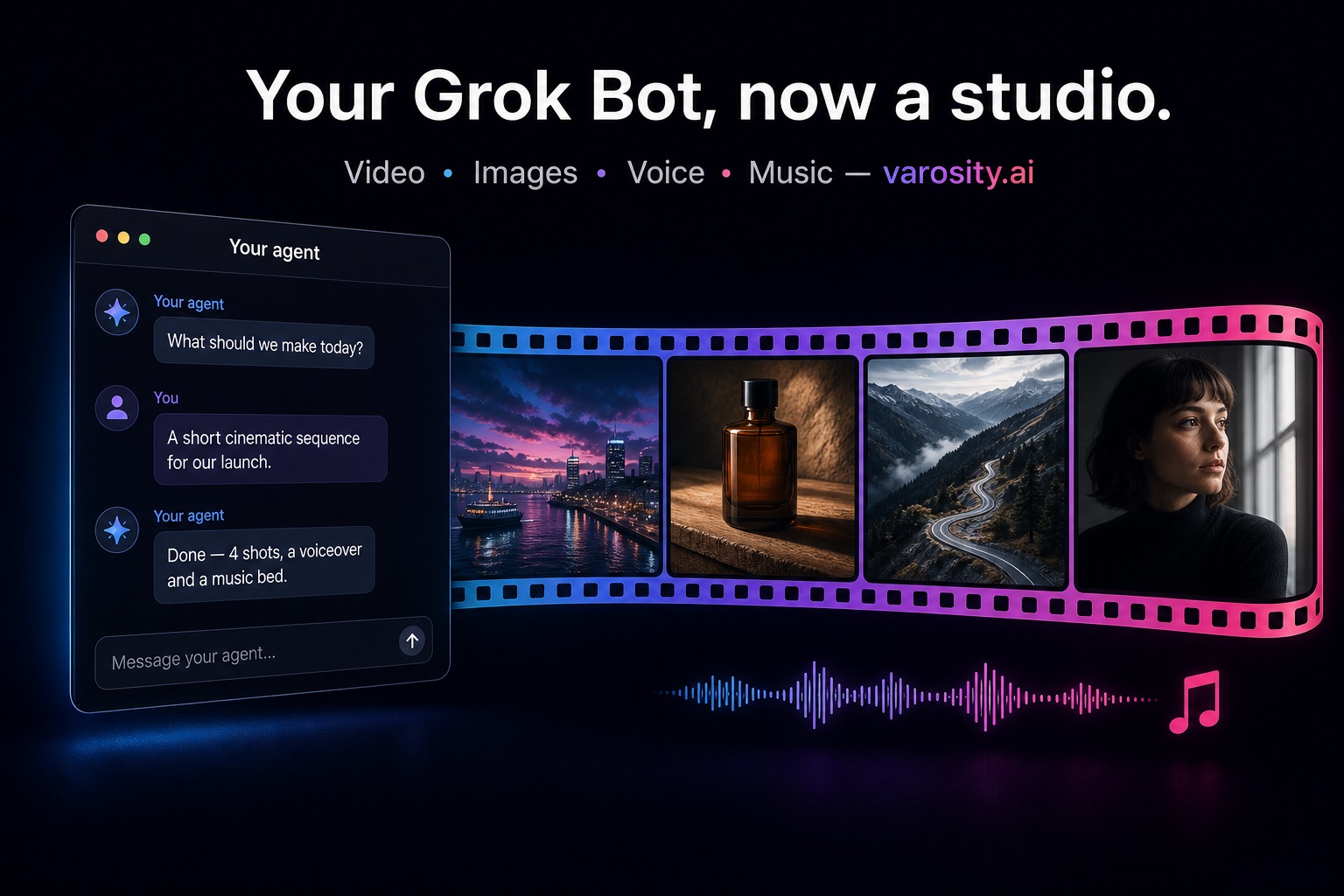
What your Bot can make
Video
Veo 3.1, Kling 3.0, Seedance, Grok Imagine, Runway, Luma — text or image to video, drafts from about 21¢.
Images
FLUX, GPT Image 2, Nano Banana Pro, Ideogram, Grok Imagine — from 1¢ an image.
Voice
ElevenLabs narration, multi-voice scenes, voice design and cloning.
Music
Suno, Lyria and ElevenLabs Music — beds and full tracks by prompt and length.
Connected in two minutes
Ask your Bot to connect
Grok Bot adds the server itself and then asks you for a Varosity key in a secure box:
"Connect to Varosity.ai —
 remote MCP server https://varosity.ai/api/mcp"
Paste your key
Open varosity.ai/agent/key, sign in or sign up (most new accounts get a small starter credit), press Create, and paste the key into the box Grok Bot gives you. Adding the server by hand? Use the URL above with the header Authorization: Bearer vsk_….
Give it a first task
Mention the connector in chat, then ask for something small so you can see it work:
"Make a 1¢ test image of a paper boat on a pond
 with Varosity, then tell me my Varosity balance."
On a team plan, an admin may need to allow the server first: Grok Bot follows your team's connector policy. Each result tells your Bot what is left, so it can warn you before credits run out.
Jobs to hand your Bot
A weekly launch clip
“Every Monday, read our changelog, write a 5-second shot for the biggest change, render it on Veo 3.1 Lite as a draft, and send it to me. If I approve, re-render it on Kling 3.0.”
Post-ready images for every post
“For each post in my drafts folder, make two 16:9 images with FLUX and one with GPT Image 2, and put them next to the post.”
A voiceover for each video
“When a new product video lands in the shared folder, write a 20-second script, voice it with ElevenLabs, and add a quiet music bed.”
Pay per generation, or bring your own keys
Credits run on our provider accounts at provider price +5%, charged for what is produced; failed renders are not billed. Bring your own provider keys and you pay the provider directly.
Connect your Grok BotUsing another agent? Setup for Claude, Cursor, Gemini CLI and more